
Fragmented context
The next team starts without the customer's history or requested outcome.
Case management
A complex issue should not restart at every handoff. ResolveCX customer service case management software keeps customer context, contributors and next actions connected, with one accountable case owner.
Bring interactions and supporting material into one case.
Keep owners, tasks and contributors aligned.
Record rationale, approvals and customer communication.
Apply closure criteria and review recurring issues.
Complex customer work
When service, operations and specialist teams work from separate records, customers repeat themselves and resolution slows. Regulated customer service teams need continuity, not another transfer.
The next team starts without the customer's history or requested outcome.
A referral moves the issue, but nobody accepts the next action.
Customers spend another contact explaining what your teams already know.
Leaders reconstruct progress instead of directing attention to blockers.
Agree reporting views for stalled work, resolution time and decision quality so leaders can act on blockers.
Capture the context once, keep it useful
Keep the issue, requested outcome, owner and next action together so contributors can pick up the work. Agree sources and fields for your workflow.
See the case workspace in a demoIllustrative case workflow. Fields and review steps depend on your configuration.
A person-owned journey
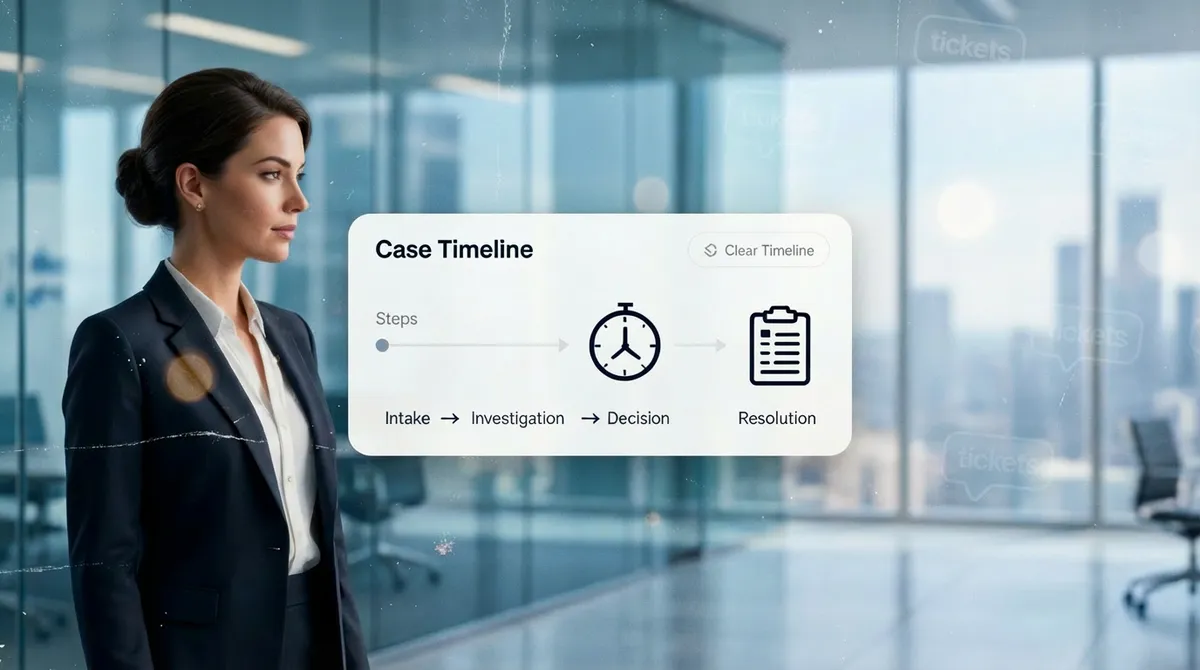
A ticket tracks a request. A case coordinates the people, evidence and decisions needed to resolve a complex issue.
Read the case management definitionIllustrative workflow case
Context accumulates in one owned case
A person records the issue and available customer context.
Illustrative sequence, not a product screen or an automatic action. Controls depend on your agreed workflow.
Select a stage to inspect its owner, evidence and next action. All stage summaries remain visible.
A person records the issue and available customer context.
An accountable owner confirms the next step and applicable target.
Contributors add relevant work and supporting material to the case.
An authorized reviewer considers the record against configured policy.
The owner records the outcome and any agreed follow-up.
Representative journey. Review gates and due rules follow your agreed process.
Clear next action
The owner coordinates contributors and reviewers. Visible due actions let leads address delays or escalate under configured rules.
Configure access around responsibilities. Carry context and a next action with every handoff.
Explore escalation managementRepresentative work queue
Representative queue. Confirm reminders, risk signals and escalation triggers for your configuration.
Make the decision understandable
Give reviewers a clear line from the original concern to the supporting material, finding and final action. Keep the rationale with the case for handoffs and later review.
Allegation. The concern as received, distinguished from verified fact.
Supporting material. Relevant case notes or material for an authorized reviewer.
Reviewer finding. The assessment and rationale recorded by the reviewer.
Final action. The decision, communication and outcome captured by the owner.
Representative case record
Reported concern
What the customer said
Evidence for review
Notes and supporting material
Finding and rationale
The reviewer's assessment
Action and outcome
Decision and next step
Representative record. Confirm access, history and retention against current documentation.
ResolveCX AI
AI helps teams get oriented using permitted context, where configured. People check sources and own customer decisions.
Prepare a handoff briefing. The receiving owner checks the draft against source history.
Surface relevant guidance so the handler can review it before responding.
Suggest a handling path using sentiment. A person checks the customer context.
Related operating records
Use distinct workflows for complaint investigation, incident response, recurrence or a higher-level decision. Agree relationships during discovery; these are not automatic synchronization promises.
Enterprise fit
ResolveCX provides AI-Powered Resolution Governance alongside CRM, contact center and service systems. Govern complex customer work without making wholesale stack replacement the starting point.
Evaluate the fit before you buy: agree sources, permissions, security documentation and delivery scope. No certificate or named connector is implied.
Which approved sources provide the issue and customer context?
Which evidence and status updates need an agreed connection?
Who owns access, failure handling and testing?
High-accountability work
Map your handoffs and evidence needs. These are illustrative examples, not preconfigured industry solutions.
A customer complaint needing an accountable owner, supporting material and a reviewer finding.
Explore industry contextA service grievance requiring careful handling of representatives, permissions and review evidence.
Explore industry contextA recurring customer fault needing a case owner, operational handoff and resolution record.
Explore industry contextBuyer questions
Case owners, contributors, reviewers and operations leads can share a record when a customer issue crosses teams. Roles and permissions are configured to your operating model.
A ticket can track a straightforward request. A case brings related interactions, tasks, evidence, ownership and decisions together when resolving the underlying issue requires more coordination.
Define owners, due actions, service commitments and escalation paths for the agreed workflow. Validate targets, calendars and exceptions against your obligations.
Keep the reported concern, supporting material, reviewer finding and final action in context. Confirm access, history and retention against your approved configuration.
AI may suggest a category, summary or route from authorized case context. A person checks the source and remains responsible for the final decision.
Connection methods depend on the approved architecture. Bring your source systems, evidence requirements and handoff rules to discovery; named connectors are not assumed.
Start with roles, workflow scope, data quality and migration needs. Timing, services and commercial terms are confirmed for the proposed scope.
Next step
Bring your ownership, evidence and deadline requirements. We will show how the case workflow can be configured and what needs validation.
Book a case management demoKeep exploring
Relevant guides and real-world perspectives for the work you are doing now.
 Guide
GuideWhat a case is, how it differs from a ticket, and why case-first architecture matters in regulated environments where resolution memory, ownership, and audit trails are non-negotiable.
Explore resource Guide
GuideThe full lifecycle of a customer complaint, from intake and acknowledgement through investigation, resolution, and root-cause closure. What structured complaint management looks like versus reactive ticket handling.
Explore resource Guide
GuideHow complaints and incidents move through defined escalation tiers, with SLA enforcement, named ownership, and governed handoffs. Why unstructured escalation creates regulatory and commercial risk.
Explore resource Guide
GuideAPI-based case creation from Webex Connect IVR events, agent screen pop via the Webex CC Desktop Widget SDK, case management layer behind the Webex CC agent desktop, and bi-directional status sync to Webex Analyzer dashboards where configured.
Explore resource Blog
BlogPractical thinking on complaint governance, escalation management, and case resolution for regulated industries.
Explore article Video
VideoSee complaint governance, case management, and escalation workflows explained by the ResolveCX team.
Explore video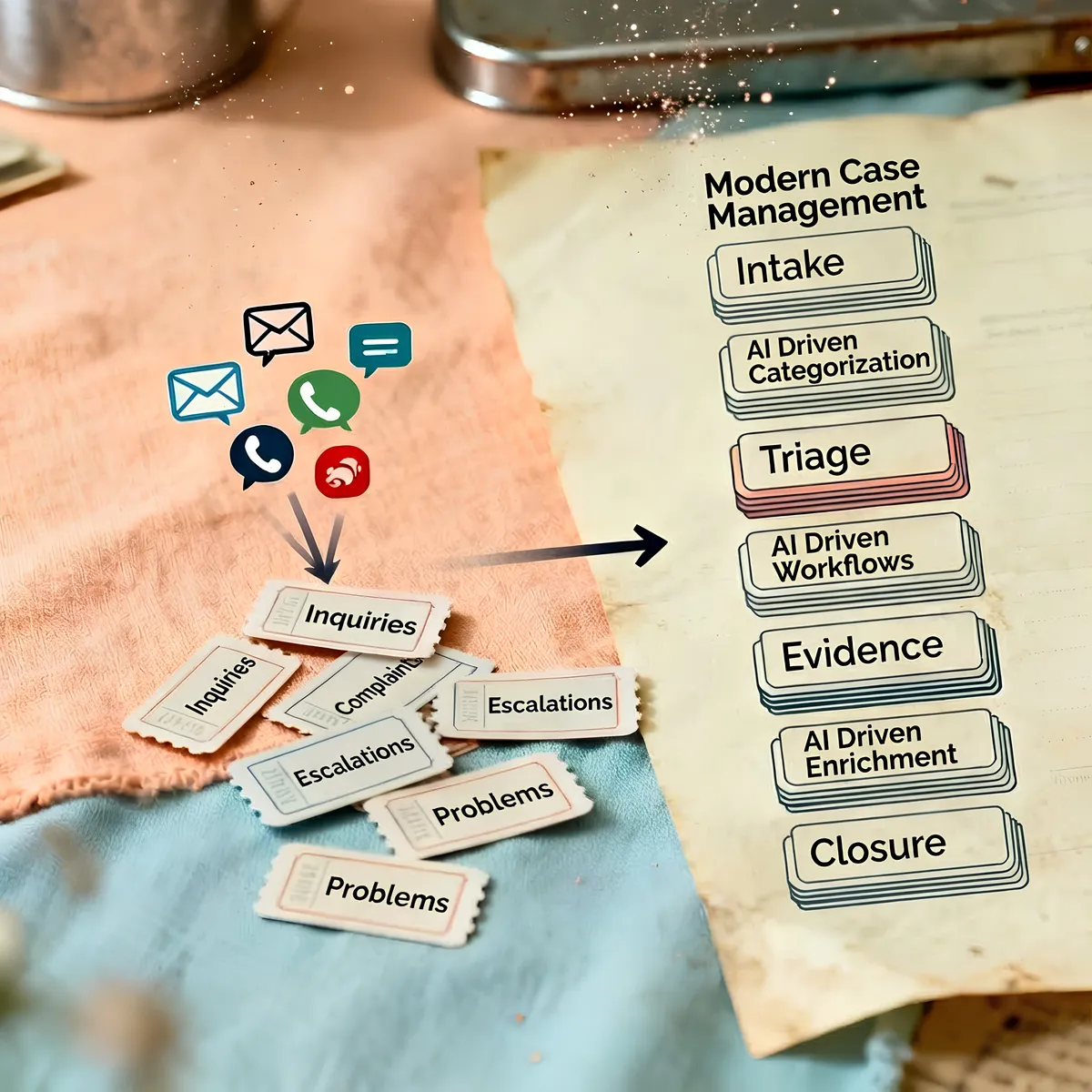 Case study
See how regulated healthcare teams improved SLA adherence, reduced escalations, and accelerated audit preparation.
Explore resourceFollow the latest ResolveCX updates, governance conversations, and practical customer operations insights.
Explore resource