
AI Classification for Cases, Complaints and Inquiries
ResolveCX AI helps categorise inbound cases, complaints and inquiries using available case information. The identified category can route work to the right team or trigger immediate escalation under your configured rules. Teams retain oversight, review exceptions and remain responsible for case decisions.
- INBOUND WORKCases, complaints and inquiries
- AI CLASSIFIESIdentified issue category or classification
- ROUTING RULESRight team or immediate escalation
- TEAM OVERSIGHTTeams check exceptions and own case decisions
Category-based routing and escalation follow configured rules. Illustrative only; availability depends on configuration.
Classify
Cases, complaints and inquiries
Route
Categories guide team assignment
Escalate
Direct escalation where rules require it
Oversight
Teams review exceptions and own decisions
What it does
From Inbound Content to the Right Handling Path
AI classification is an intake capability for all kinds of inbound case work, not just complaints. It helps distinguish an inquiry, a service issue or a complaint and identify the category that should guide handling. Source availability depends on your connected systems and permissions.
Connect your category framework to agreed team-routing and escalation rules. The identified category can send work to the appropriate team or straight to an escalation path when the configured criteria are met. Teams review uncertain classifications and routing exceptions; a category does not establish regulatory status or a final outcome. Sentiment-based routing can add a separate contextual cue, not replace classification.
Classification, Routing and Escalation Workflow
Inbound work enters the case workflow
Cases, complaints and inquiries are classified using available, authorised information from your connected intake sources. The scope of those sources depends on your implementation.
AI identifies the category
AI analyses the inbound content against your agreed category framework to identify the issue. Teams can check and correct a classification when it is ambiguous or does not fit.
The category guides team routing
The identified category is matched to configured routing rules so the case can be directed to the right team. A general inquiry does not have to enter the same handling path as a complaint.
Escalation criteria are checked at intake
Where configured rules require it, the classification can send the case straight to an escalation path instead of a standard team queue. Regulatory and safeguarding assessments remain with qualified people.
Teams retain oversight and ownership
Handlers review uncertain classifications, correct categories or routing where needed and remain accountable for investigation, responses and final decisions.
Industry use cases
AI Classification Across Industries
Telecommunications
Classify a billing inquiry, a service case or a customer complaint, then apply the configured category-to-team mapping. Cases meeting agreed escalation criteria can take the escalation path from intake.
Financial Services
Distinguish an account inquiry from a service issue or complaint so each reaches the appropriate team. Configured categories can support specialist escalation; qualified reviewers still determine regulatory status and obligations.
SaaS & Technology
Separate product questions, technical support cases, billing inquiries and complaints. Classification can direct work to support, billing or another designated team under agreed rules, including escalation where required.
Manufacturing
Categorise warranty inquiries, delivery cases and quality complaints to support routing to the responsible team. An identified category can take a direct escalation path when the configured handling rules require it.
Why it matters
Category-Based Routing With Team Oversight
AI classification and configured rules support intake, team assignment and escalation. Teams define the handling framework, review exceptions and remain responsible for specialist assessments and case outcomes.
| Task | AI-assisted support | Human responsibility |
|---|---|---|
| Inbound classification | Classifies cases, complaints and inquiries from available authorised content. | Agrees the taxonomy and reviews uncertain or incorrect classifications. |
| Team routing | The identified category can direct work to the right team through configured rules. | Defines routing rules and checks exceptions or inappropriate assignments. |
| Immediate escalation | Category-based rules can send qualifying cases straight to an escalation path. | Agrees escalation criteria and assigns appropriate specialist oversight. |
| Regulatory review | Does not establish regulatory status or compliance. | Qualified specialists assess obligations and evidence. |
| Case decisions and outcomes | Classification and routing do not establish a finding or customer outcome. | An authorised person owns investigation, responses and final decisions. |
Questions About Classification
No. ResolveCX AI classification covers inbound cases, complaints and inquiries using available, authorised case information. It identifies a category to support the right handling path, including team routing or immediate escalation under configured rules. Available intake sources depend on your implementation.
An authorised handler checks the original inbound content and supporting information, then corrects the category or routing where needed. Agree how uncertain classifications and routing exceptions are handled in your configured workflow. Corrections do not imply that the model learns from them.
The identified category is matched to your agreed category-to-team routing rules. Where configured, that mapping can direct a case, complaint or inquiry to the appropriate team. Your organisation defines ownership and exception handling; teams retain oversight and responsibility for case decisions.
Yes. Where the configured handling rules require it, an identified category can send the case straight to an escalation path rather than a standard team queue. Agree the qualifying categories, escalation criteria and responsible specialists for your implementation. A category does not replace regulatory, safeguarding or other specialist assessment.
Category choices and their relationship to team-routing and escalation rules need to be agreed for your implementation. Bring representative cases, complaints and inquiries alongside your current taxonomy to discovery. Validate reporting and regulatory requirements separately with the relevant specialists.
No. An AI-suggested category does not establish regulatory status, liability or compliance. Qualified reviewers assess the complaint evidence and applicable obligations, then decide how the case should be handled.
Use representative cases, complaints and inquiries, including ambiguous examples and cases requiring immediate escalation. Check the available source, the identified category, the mapped team or escalation path and how handlers correct exceptions. Agree your acceptance criteria; no general accuracy benchmark is promised.
Practical evaluation guide
Evaluating classification, team routing and escalation together
A useful classification evaluation covers the full inbound workload: cases, complaints and inquiries. Check not only whether the category fits, but whether its configured handling rules send the item to the appropriate team or escalation path.
Illustrative review scenario
Different inbound items need different handling paths
A customer asking how a charge is calculated may need a billing inquiry response; a customer disputing that charge may need complaint handling. A separate case may fall into a category requiring immediate specialist escalation under your agreed rules. Test these as distinct examples, then include an ambiguous item. Check the source, the identified category, the mapped destination and how a handler corrects an unsuitable classification or route.
Questions to agree before use
- Does the proposed category reflect the substantive issue, not just its wording?
- Which team is mapped to each case, complaint or inquiry category?
- Which categories or handling criteria require immediate escalation?
- How do handlers correct uncertain classifications or routing exceptions?
Classification identifies the issue; configured routing and escalation rules determine the handling path. People remain responsible for exception review, specialist assessment and the final case decision.
ResolveCX AI
See AI Classification and Routing in Action
Bring sample cases, complaints and inquiries alongside your category framework. Explore how classification maps work to the right team, which cases require immediate escalation and how handlers review exceptions.
Keep exploring
Recommended insights
Relevant guides and real-world perspectives for the work you are doing now.
 Guide
GuideNICE CXone Integration
CXone Studio IVR script-triggered case creation following DEVone API patterns, NICE Enlighten AI classification, embedded CXone agent desktop panel, and bi-directional sync to CXone supervisor dashboards.
Explore resource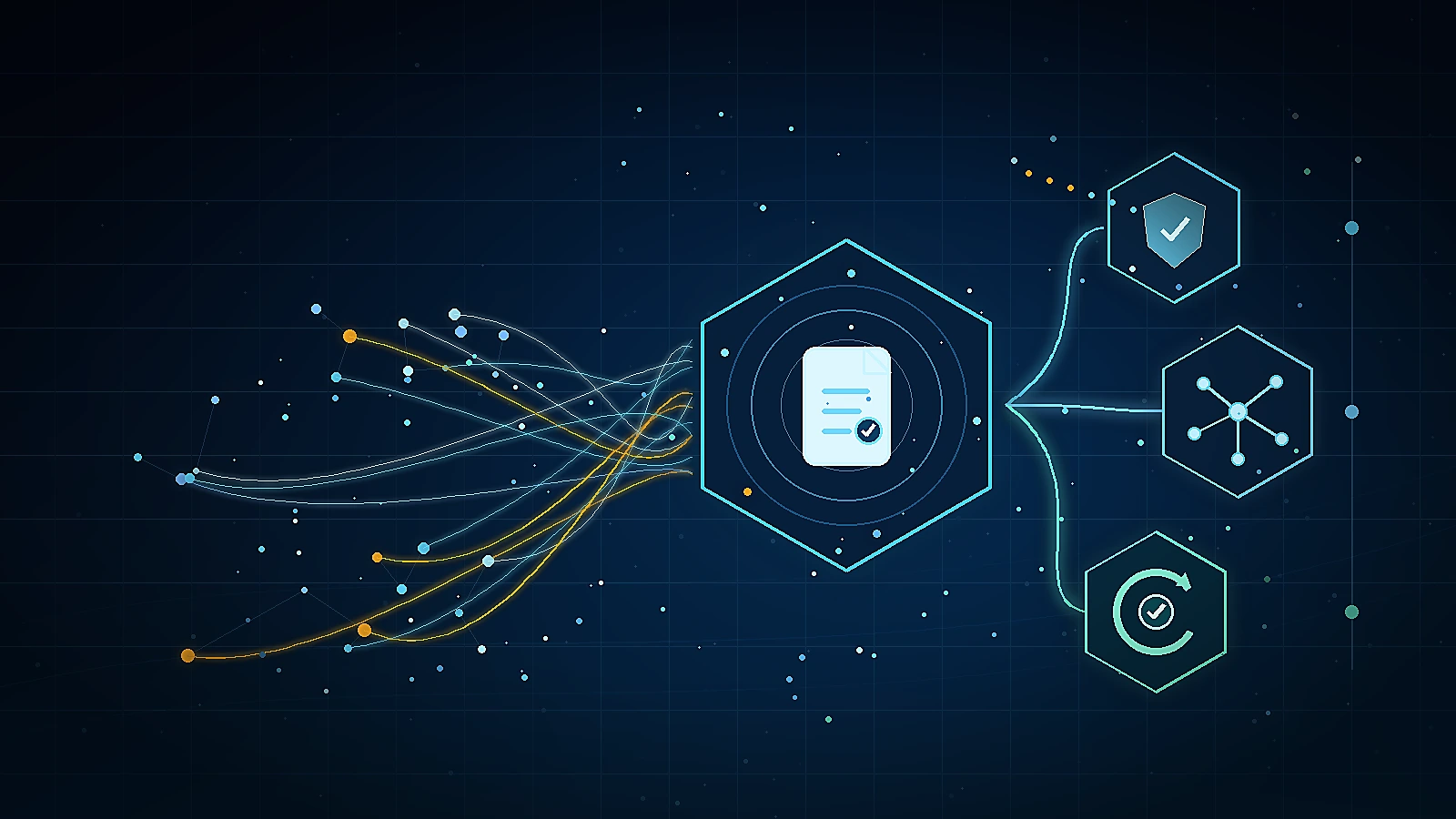 Guide
GuideCustomer Churn Prediction for Financial Services
AI churn risk scoring that identifies post-complaint attrition signals before customers close accounts, with retention workflows and Consumer Duty outcome evidence.
Explore resource Guide
GuideWhat Is Case Management?
What a case is, how it differs from a ticket, and why case-first architecture matters in regulated environments where resolution memory, ownership, and audit trails are non-negotiable.
Explore resource Guide
GuideCisco Webex Contact Center Integration
API-based case creation from Webex Connect IVR events, agent screen pop via the Webex CC Desktop Widget SDK, case management layer behind the Webex CC agent desktop, and bi-directional status sync to Webex Analyzer dashboards where configured.
Explore resource Blog
BlogThe ResolveCX Blog
Practical thinking on complaint governance, escalation management, and case resolution for regulated industries.
Explore articleVideoResolveCX Video Library
See complaint governance, case management, and escalation workflows explained by the ResolveCX team.
Explore video Case study
Healthcare Governance Case Studies
See how regulated healthcare teams improved SLA adherence, reduced escalations, and accelerated audit preparation.
Explore resourceResolveCX on LinkedIn
Follow the latest ResolveCX updates, governance conversations, and practical customer operations insights.
Explore resource